
Stop Renaming Product Boxes by Hand
If you’ve ever spent an afternoon packaging products for Second Life, you’ve probably done the same thing over and over:
Create a box.
Paste in your notecards.
Drop in landmarks.
Add unpackers.
Rename the box.
Double-check the name.
Then do it again. And again. And again.
It isn’t difficult. It’s just repetitive.
That’s exactly why BellaTECH created OneDrop Auto Renamer.
What Is OneDrop?
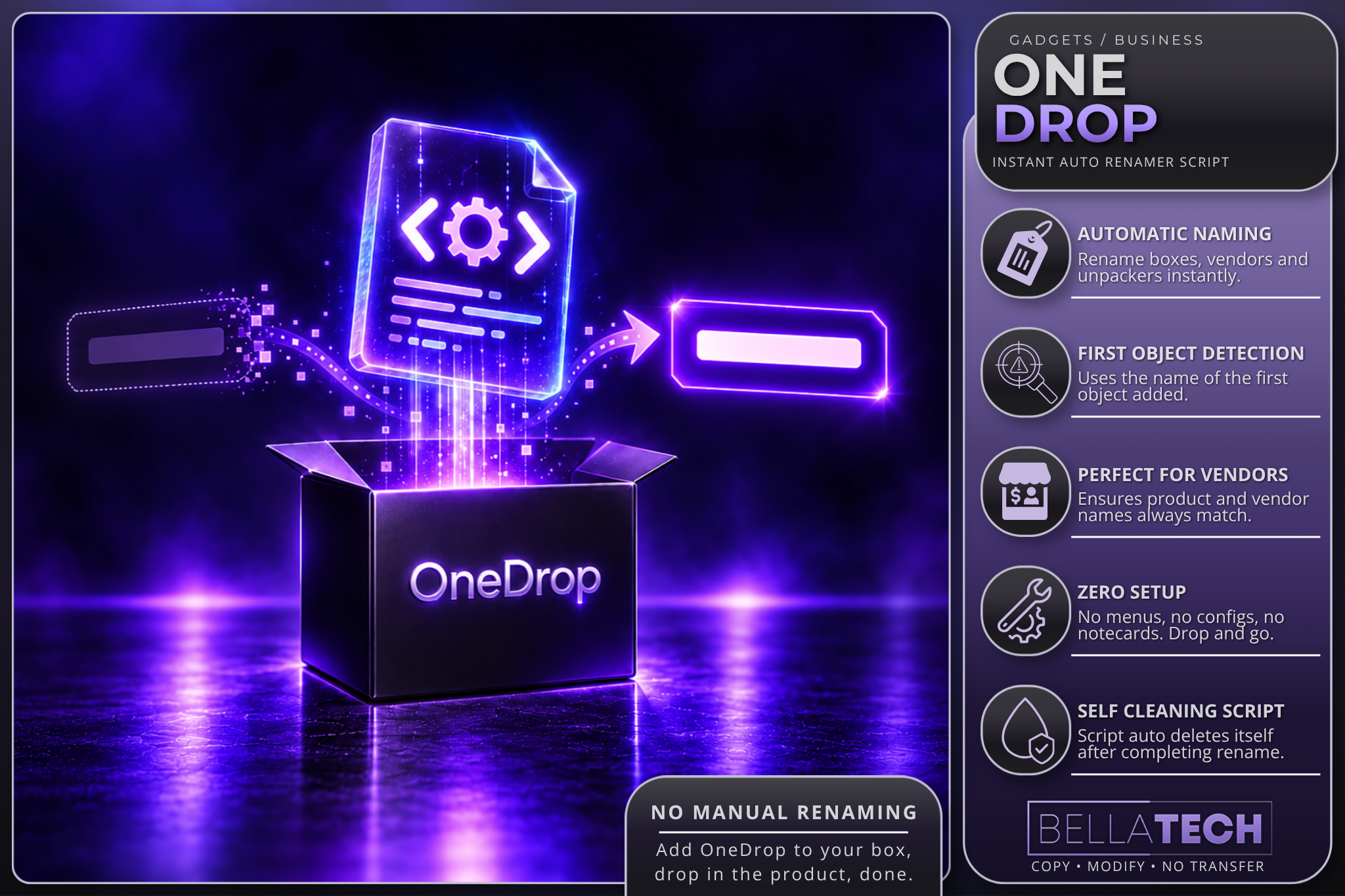
OneDrop is a simple utility script that automatically renames your box, vendor, or unpacker to match the product inside it.
Drop the script into your packaging object, add your contents, then drop your product in last.
The script reads the product name, renames the container, and removes itself automatically.
No menus.
No setup.
No configuration.
No extra clicks.
Just drop it in and keep working.
Built for Real Creator Workflows
When you’re packaging a single product, manually renaming a box isn’t a big deal.
When you’re packaging twenty products, fifty products, or an entire release collection, those little tasks start adding up.
OneDrop was designed to eliminate one of those repetitive steps.
It’s especially useful for:
-
Product boxes
-
Vendor setup
-
Unpackers
-
Gacha preparation
-
Bulk product packaging
-
Any workflow where names must match exactly
Why It Matters
Consistent naming helps prevent mistakes.
A mismatched box name can create confusion for customers, create extra work during updates, and make inventory management harder than it needs to be.
OneDrop helps ensure your packaging matches your product name automatically.
Drop the product in.
Let the script handle the rename.
Move on to the next item.
One Job. Done Well.
Some tools try to do everything.
OneDrop does one thing:
It makes sure your box name matches your product name.
Fast, simple, and out of the way.
Exactly how a utility should be.
BellaTECH OneDrop Auto Renamer
Simple. Fast. Built for Creators.